
PDF to Word Converter
Convert PDF to editable Word documents (DOCX) instantly. Preserve formatting and layout perfectly.
Convert PDF to Word, merge PDF, compress PDF, split PDF and more. All PDF tools are 100% free, secure, and work in your browser. No signup required.
Everything you need to work with PDFs in one place. Fast, secure, and free.
Ten powerful tools, one place. No watermarks, no limits, no sign-up.
Combine multiple PDF files into one. Drag to reorder pages before merging — no watermarks, no limits.
SimplePDF is your complete solution for all PDF needs. Convert PDF to Word, Word to PDF, merge PDF files, compress PDF, split PDF, and convert PDF to JPG — all completely free, secure, and without registration.
Convert PDF to editable Word documents (DOCX) instantly. Preserve formatting and layout perfectly.
Combine multiple PDF files into one document. Drag and drop to reorder pages before merging.
Reduce PDF file size while maintaining quality. Choose from multiple compression levels.
Convert PDF pages to high-quality JPG images. Perfect for sharing and presentations.
All PDF conversion tools are completely free. No hidden fees, no premium tiers, unlimited conversions.
Your files are encrypted and automatically deleted after processing. We never store your documents.
Use our online PDF converter on any device — Windows, Mac, Linux, iOS, or Android. No installation needed.
Everything you need to know about our free PDF tools
Tips, guides, and tutorials for working with PDF files
Learn the easiest way to convert your PDF documents to editable Word files without any software installation or registration.
Discover how to combine multiple PDF documents into a single file with our step-by-step guide. Perfect for reports, portfolios, and document organization.
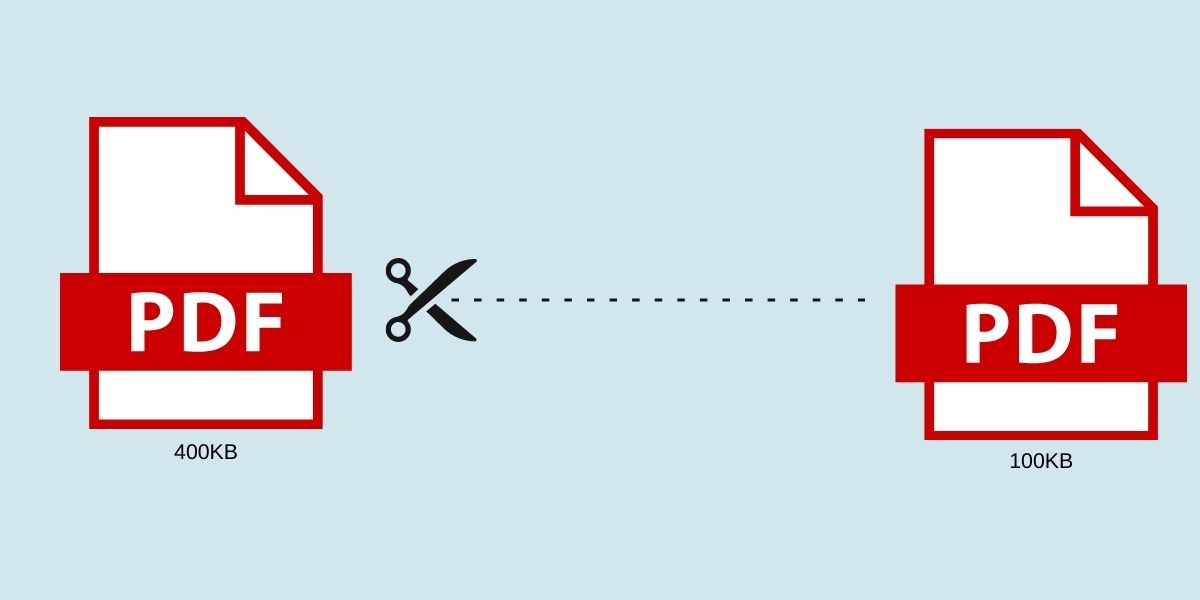
Learn how to compress your PDF files to reduce file size while maintaining document quality. Perfect for email attachments and web uploads.
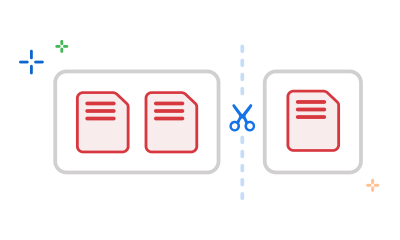
A comprehensive guide to splitting PDF documents. Extract specific pages, split by ranges, or separate every page into individual files.
Learn how to convert PDF pages to high-quality JPG images. Perfect for presentations, social media, and sharing document content as images.