How to Convert PDF to Word for Free Online
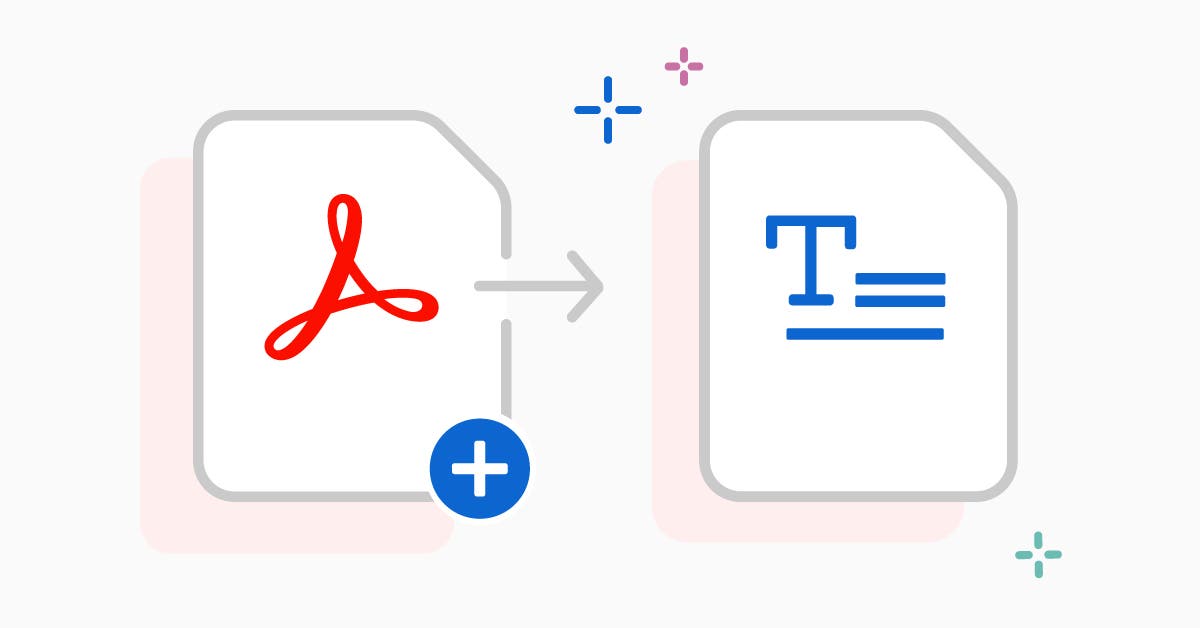
Converting PDF files to Word documents is one of the most common document tasks people need to do. Whether you're editing a contract, updating a resume, or modifying a report, having an editable Word file makes the job much easier.
SimplePDF offers a completely free PDF to Word converter that works directly in your browser. There's no need to download any software or create an account. Simply upload your PDF file, and our tool will convert it to a fully editable DOCX file in seconds.
The conversion process preserves your original formatting, including fonts, images, tables, and layouts. This means you won't have to spend time reformatting your document after conversion.
How to Convert PDF to Word with SimplePDF
- Navigate to our PDF to Word converter tool
- Click 'Upload PDF' or drag and drop your file
- Wait a few seconds for the conversion to complete
- Download your editable Word document
Our converter handles complex documents with multiple pages, images, and formatting. It's perfect for business documents, academic papers, and personal files.
Security and Privacy
All conversions are secure and private. Your files are encrypted during transfer and automatically deleted after processing. We never store or share your documents.
Frequently Asked Questions
Is the PDF to Word converter completely free?
Yes, SimplePDF's PDF to Word converter is 100% free with no hidden fees, no watermarks, and no file size limits. No account is required.
Will my formatting be preserved after conversion?
Our converter preserves fonts, images, tables, and layouts as closely as possible. Complex documents may require minor adjustments after conversion.
How long does the conversion take?
Most PDF files are converted within a few seconds. Larger or more complex documents may take up to a minute depending on size and content.