How to Split PDF Files Into Individual Pages
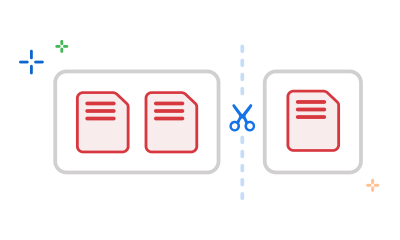
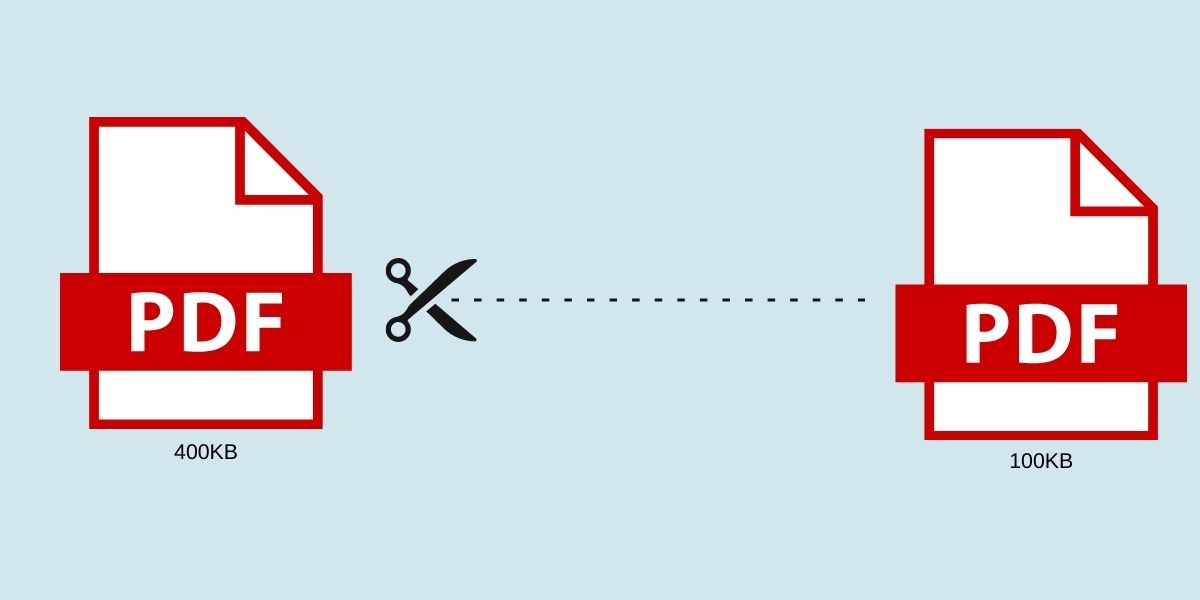
Sometimes you need just a few pages from a large PDF, or you want to separate a document into individual files. PDF splitting makes this easy without needing to recreate the original document.
Splitting Methods Available
SimplePDF's free PDF splitter offers multiple ways to divide your documents:
- Split all pages: Separate every page into its own PDF file. Perfect for distributing individual pages.
- Split by page range: Extract a specific section (e.g., pages 5–10). Ideal for pulling out a chapter.
- Split by specific pages: Select exactly which pages you want (e.g., pages 1, 4, 7). Useful for non-consecutive pages.
- Split into equal chunks: Divide the document into equal parts (e.g., every 5 pages). Great for breaking up large documents.
How to Split a PDF with SimplePDF
- Open the Split PDF tool
- Upload your PDF document
- Preview the pages using thumbnails
- Choose your splitting method
- Select the pages or ranges you need
- Click 'Split' and download your files
The thumbnail preview feature helps you identify exactly which pages you need before splitting. This saves time and ensures you extract the right content.
Common Uses for PDF Splitting
- Extracting specific chapters from ebooks
- Separating forms from a packet
- Breaking large reports into sections
- Isolating pages for editing
- Creating handouts from presentation slides
All split files maintain the original quality of your document. Text, images, and formatting are preserved perfectly.
Frequently Asked Questions
Can I split a PDF into individual pages all at once?
Yes. Select 'Split all pages' and SimplePDF will create one PDF file per page, all available for download in a single ZIP archive.
Is there a limit on how many pages I can split?
No. SimplePDF handles PDFs of any page count. There are no limits on the number of pages you can split or extract.
Will the split files be the same quality as the original?
Yes. Pages are copied directly from the source without re-encoding, so quality, text searchability, and formatting are all preserved.